Cancelling a Service - Atomic Networks
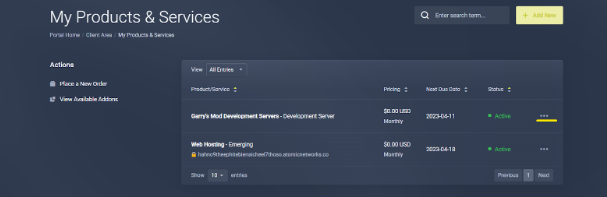
Step 1: Navigate to the “Services” page of the Billing Panel
Step 2: Select the service you would like to cancel.
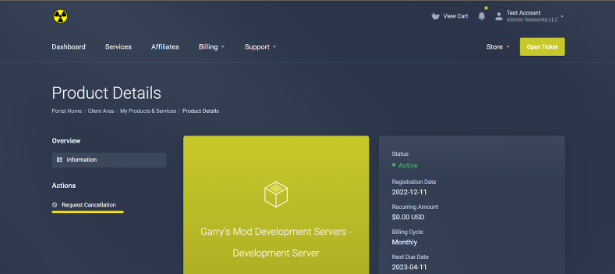
Step 3: Click “Request Cancellation”
Optional: If you wish, provide reasoning for your cancellation.
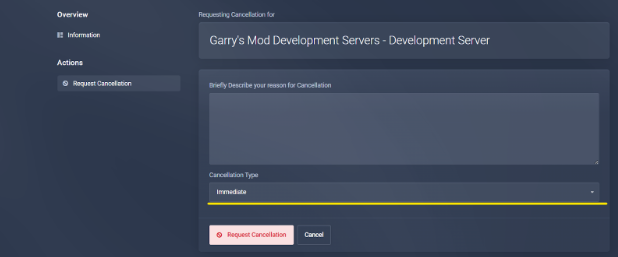
If you are looking to cancel a service as a result of poor service, we would appreciate your feedback on what we can do to make the service better. Feedback from our customers that leave is the most important to us and our continued growth as a hosting provider.